
What a small school really needs
A small school has a small office, sometimes only a principal, one person who handles fees and a few teachers who also run the front desk. There is no IT department, little patience for a long set-up and a tight budget. What the school needs is clear: a reliable student list, fees collected and receipted, attendance marked daily and a way to tell parents things.
Big-school software often asks you to buy and configure a lot that you will not use. My KalviKoodam is organised into 21 modules that you choose between, so a small school can begin with a handful.
The common failure for a small school is a system that is too big for the office. Staff attend a training, use a few screens and drift back to the register because the rest feels irrelevant. The cure is to switch on only what you will use, make that part work well, and widen later.
Small schools are also close to their families. The principal often knows every parent, which is a strength, and the software's job is to support that closeness by giving the office the facts quickly: dues, attendance and what a parent was last told.
A sensible starting set
Many small schools begin with the same few modules. Which ones you choose is your decision, and the pricing page shows what each adds.
None of these is compulsory. A school that has no exams to manage yet, or that handles marks differently, can leave a module out until the time is right.
The order matters less than the habit. Whichever module you start with, use it every day for a month before adding another. A module used daily becomes part of the school's routine, and the next one is easier to adopt.
- Students: one profile for every child, with bulk import to start
- Fees: counter collection, numbered receipts, dues and reminders
- Attendance: marked by class and section from a phone
- Communicate: notices and messages to parents
- Exams: marks entry, results and marksheets when you are ready
Modules build on each other, so choose in order
Some modules rely on others. Attendance and exams use the classes and subjects set up in academics, and finance builds on fees. This is helpful, because it tells you a sensible order: set up students and academics first, then add fees, attendance and exams on top. Talk it through with us when you book a demo.
Admissions deserve a mention, because every enrolment counts in a small school. The front office enquiry register with follow-up dates helps the office remember every parent who rang, and the online application form lets a family apply without a login.
No server room needed
The software runs on ordinary PHP and MySQL hosting, including cPanel shared hosting, or on a Windows IIS server. A small school does not have to buy special equipment. Staff open it in a browser on a computer, a tablet or a phone, so a teacher can mark attendance at the classroom door and the principal can check the day from a tablet.
The data stays on the school's own hosting, which also means the school is not locked in: lists and reports export to CSV whenever you want them.
Hosting is usually a modest cost compared with the time saved. Ask your current web host whether the plan includes PHP 8.1 or newer and a MySQL or MariaDB database, since that is all the system asks for. We help with the first setup.
Staff comfort matters more than technical detail. The screens are in plain English, fully responsive and keyboard friendly, with instant search and a command palette on Ctrl+K for those who like shortcuts.
A four-week start for a small office
A gentle start keeps everyone confident. This is one way to pace the first weeks, and you can slow it down or speed it up to suit your staff.
- Week one: set up the school, classes and sections, then import the students from your spreadsheet
- Week two: set up fee types, collect fees at the counter and print receipts
- Week three: mark attendance daily and create parent and student logins
- Week four: send notices and fee reminders to parents, and review the dues list
- Later: add exams and marksheets, staff and payroll, or library, when the office is ready
Getting started on the first day
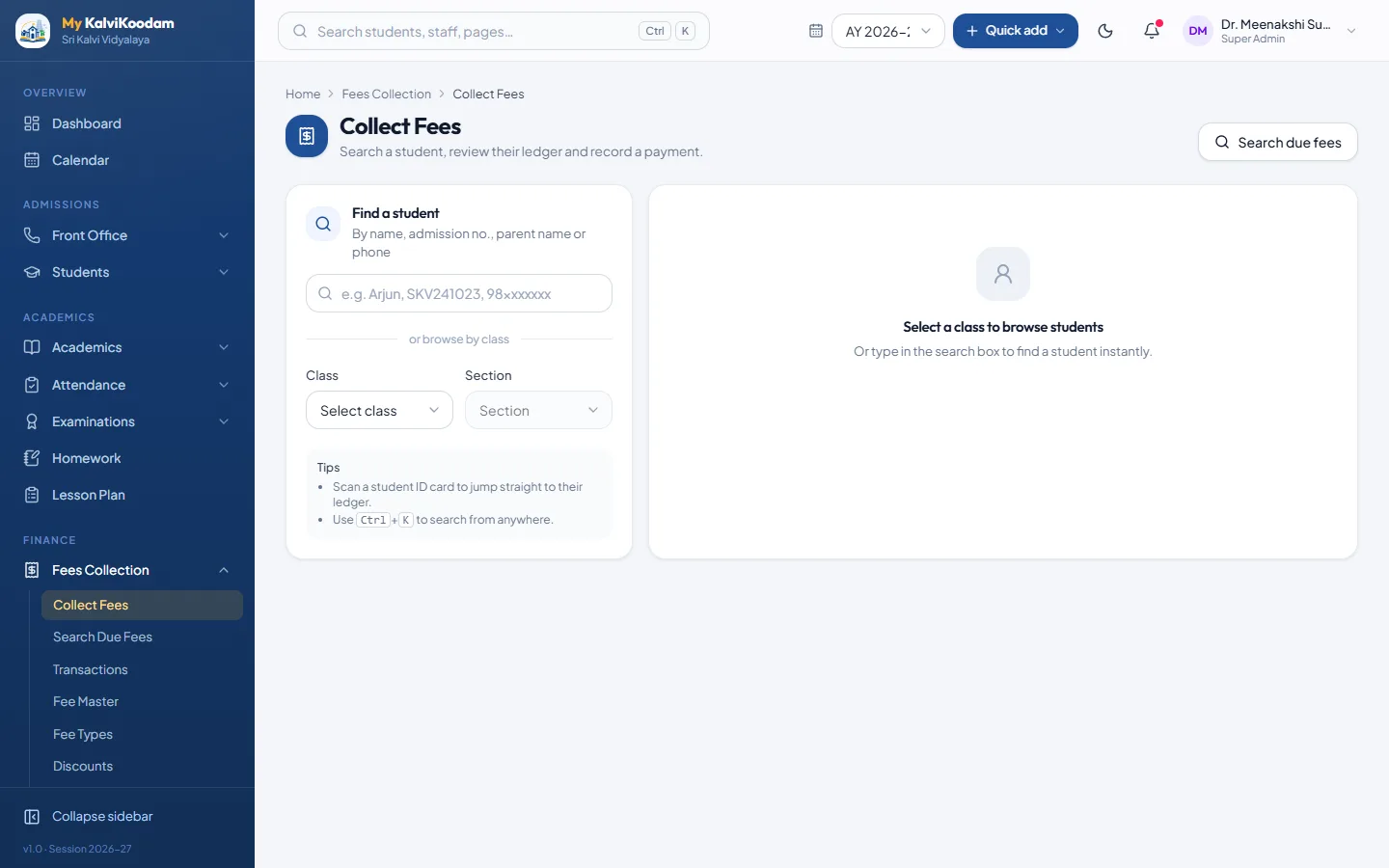
The slowest part of any new system is typing in the students. Bulk Import reads your spreadsheet, lets you match its columns and checks the data row by row. A small school can often be working on its real records quickly, and we help with the first setup. After that, new children come in through the New Admission form, and admission enquiries can be tracked from the first call.
A quick way to test whether you are ready: open your student list in Excel and look at the columns. Name, class, section, parent name and phone number are the heart of it. If those are tidy, the import will be quick; if not, tidying the sheet first pays back on the first day.
Fewer people, so each role stays simple
The system has twelve roles, but a small school will use only a few. The principal sees what needs attention. The accountant works from collections and dues. Teachers see their own class. The receptionist sees follow-ups and visitors. Each person sees only what suits the job, which also protects sensitive figures such as fees and payroll.
Small schools often have one person doing two jobs, so the screens are kept plain on purpose. Someone who only collects fees need never open the exam screens, and a teacher who marks attendance and sets homework sees a menu that fits that work.
Owners and trustees can look in too. The chairperson sees enrolment, collection, results and alumni giving at a glance, view only, and the correspondent follows approvals and outstanding fees, so the people who run the school do not have to ask the office for a summary.
Parents stay informed without extra work
Fewer calls to the office is a big saving for a small team. Parents have their own portal for attendance, fees due, results, homework and notices, included without extra charge. Messages such as fee reminders, absence alerts and result notices can go out automatically through the school's own SMS, e-mail and WhatsApp accounts. See the parent portal and communication pages.
Reminders are the biggest time saver in a small office, where the person who collects fees often chases dues by phone. When the dues list can be searched by class and a reminder takes one click, or goes out automatically before, on and after the due date to families who still owe, the phone calls shrink to the few that need a conversation. The school pays its own SMS or WhatsApp provider for message charges.
Parents appreciate fewer, better messages. The system sends one message to a household and not one per child, which suits families who have several children on the roll.
Pricing that follows your size
The price depends on the modules you choose and your active students. Each module has a price per active student per year, and a size discount lowers the rate for bigger schools. A small school therefore pays for its real numbers, not for a plan built for someone else. The calculator also shows any minimum yearly fee, one-time setup fee and GST. Try it on pricing and look at current offers.
For a small school the useful question is not only whether the price is low but whether it grows sensibly. With a price per module per student, adding a module adds a clear, predictable amount, and a change in enrolment moves the total in the same direction. There are no plan tiers to outgrow.
The best check is to enter your own student count in the pricing calculator and then book a demo to look at the modules on your list.
Room to grow
If you start with three modules, you can add exams, staff and payroll, library, transport or hostel later without changing system or re-entering students. The records are already there. Read the wider school ERP overview or the school management software page to see where you could go.
A school that grows its enrolment simply admits more students into the same system, and the price follows the number of active students. Nothing has to be outgrown or replaced.