
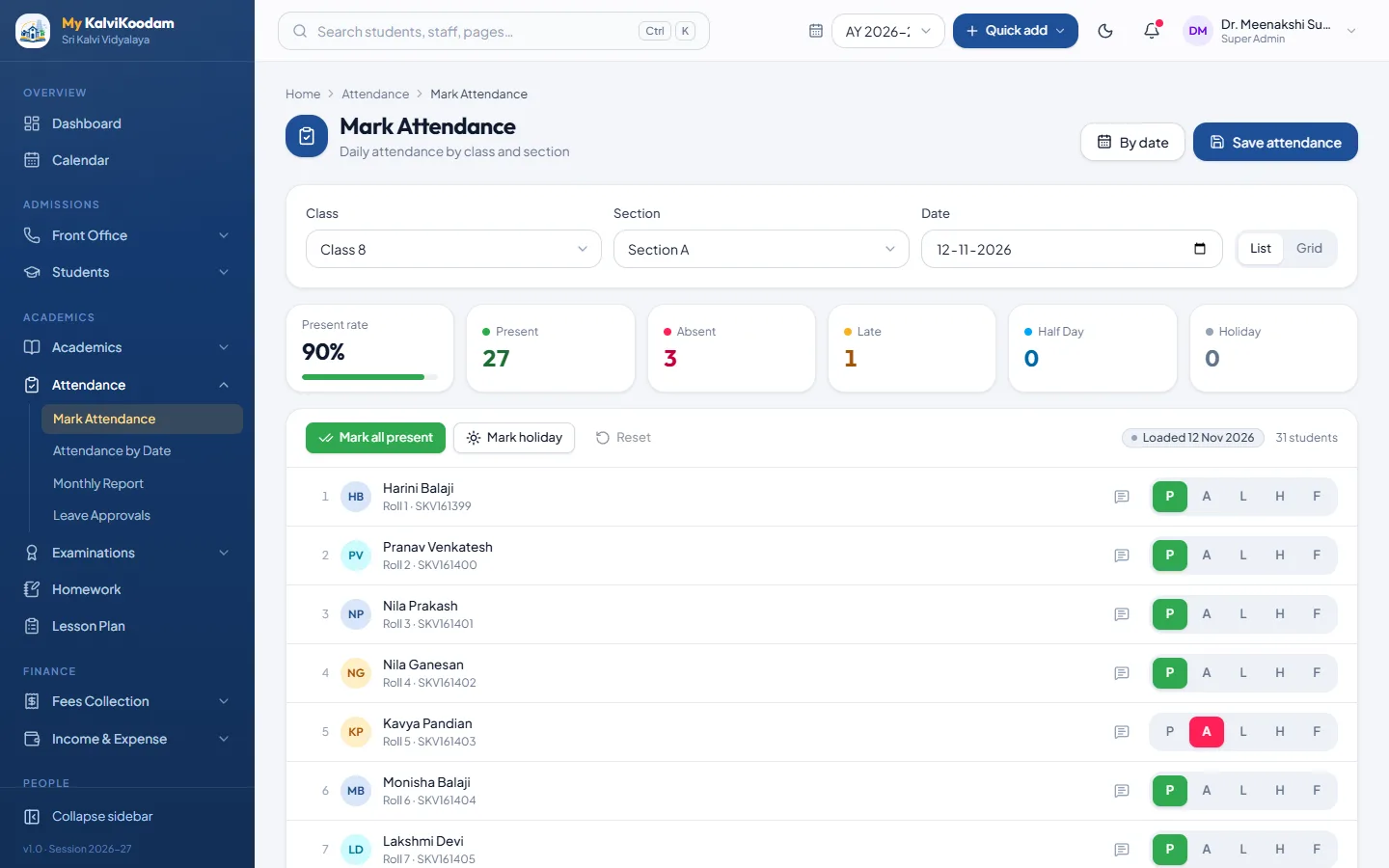
Mark by class and section
Open the class, tick the absentees and save. It works on a phone, so a teacher can mark attendance at the classroom door instead of carrying a register to the office.
- Attendance by class and section
- Holidays and approved leave shown on the screen for that day
- Attendance by date across the whole school
- Monthly report per class and per student
The principal sees what is missing
Sections that have not been marked are flagged on the principal dashboard, so gaps are caught the same morning. Class teachers get low-attendance alerts for students who are slipping.
Leave applications in the system
Student leave applications, with attachments such as a medical note, are approved or rejected in the system and the family can be told the decision. There are no paper letters to file.
Parents hear about absence automatically
Switch on an absence message and the parents of a child marked absent are told, unless an approved leave covers the day. A second message can go when a child has been away several days in a row. An absent-today list is also ready for the messaging screen.
Staff attendance too
Staff attendance and leave requests sit in the same system, and the substitute view shows who is absent so a class is never left uncovered. Read more about staff and payroll.