
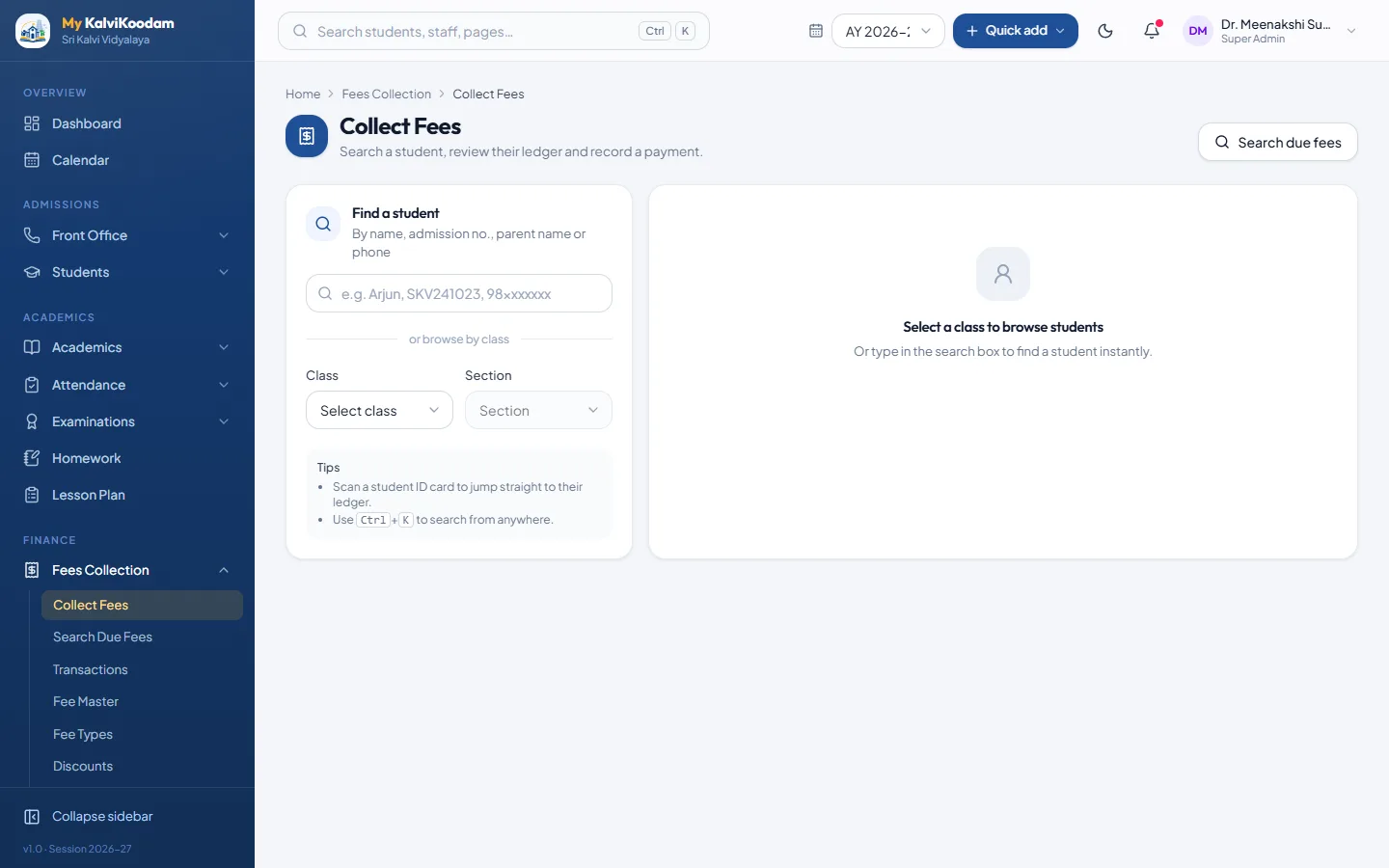
Fee collection that takes seconds
Search the student, see the dues, choose the payment mode and print the receipt. The accountant never has to look anything up in another book.
- Cash, card, UPI and cheque modes, switched on or off to suit your counter
- Receipts that print cleanly on plain A4
- A fee master with fee types, discounts and late fines with grace days
- Due fee search to find everyone who owes money
Know your dues without adding up columns
The outstanding list shows every student with dues. Send a reminder in one click, or hand the list to the class teacher. The accountant dashboard shows collected today, dues and payroll status without opening a report.
Nothing is lost when the year changes
When a class is promoted, the fees a pupil has not paid are carried forward as previous dues, so the new year starts with the right balance. A new academic year can copy the earlier year's fee structure forward with the due dates moved on.
Transport and hostel fees in the same ledger
One monthly run bills transport to every rider and hostel to every boarder. Those charges sit in the pupil's fee ledger beside tuition, so one receipt and one reminder cover everything the family owes.
Reports that close the day
Daily and monthly collection reports show what came in, by mode and by head. Income and expense books sit next to the fee records, and a finance overview puts fees collected and salaries paid beside them month by month, so the accountant works from one set of numbers.
Parents see what they owe
Through the parent portal a family can see fees due and past receipts for each child, which means fewer phone calls to the office.