
A notice board for the whole school or one class
Post notices to everyone or to selected classes, set an expiry, and print a circular when you need paper. Parents see notices in their portal.
SMS, email and WhatsApp
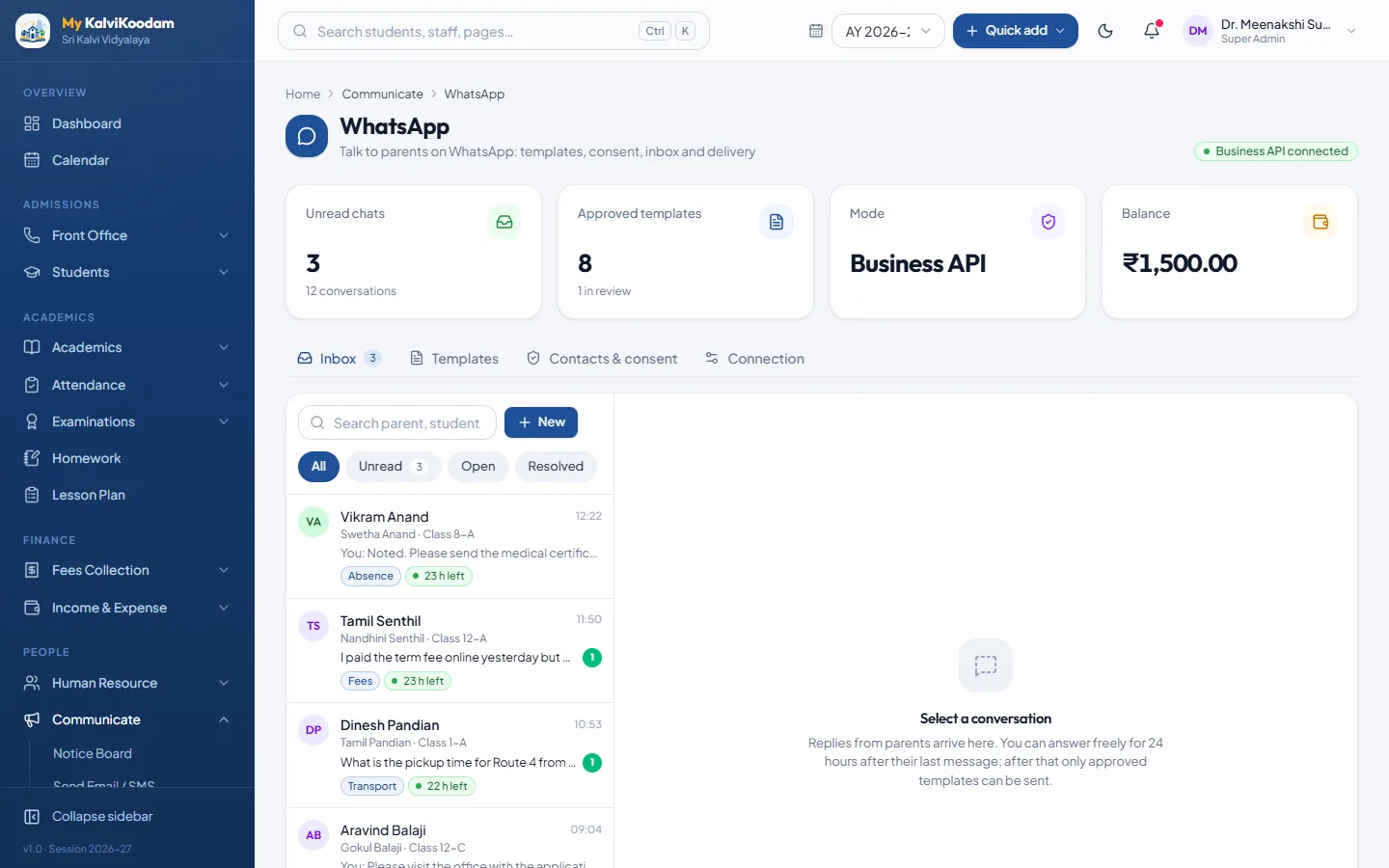
Send messages with templates, and pick smart lists such as fee defaulters, birthdays, hostel and transport groups. WhatsApp has its own inbox, templates and wallet tracking.
- Email and SMS with templates
- WhatsApp inbox, templates and wallet tracking
- Fee reminders in one click
- Event and holiday announcements
Messages that send themselves
Choose which messages go out automatically and at what time. Each one is sent once per family, not once per child, and is recorded in the message log.
- Fee reminders before, on and after the due date
- Absence alerts and absence streaks
- Birthday greetings
- Exam results when they are published
- A receipt message when a fee is collected
- Leave approved or rejected
- Homework given to the class
- A welcome when a pupil is admitted
Notices that also reach the phone
A notice can carry attachments and, if you choose, go out as an SMS or e-mail copy to the parents, teachers or staff it is meant for. Drafts and edits send nothing.
Your own gateways
Messages are sent through the SMS gateway, e-mail account (SMTP) and WhatsApp Business account that the school connects in Settings. The school pays those providers for message charges. Set the gateway up before you switch an automatic message on.
Proof of what was sent
Message logs show what went to whom and when, which settles the question of whether a parent was told.
Built into the school record
Because messaging lives next to students and fees, a reminder is one click from the due list. See fee management and the parent portal.